
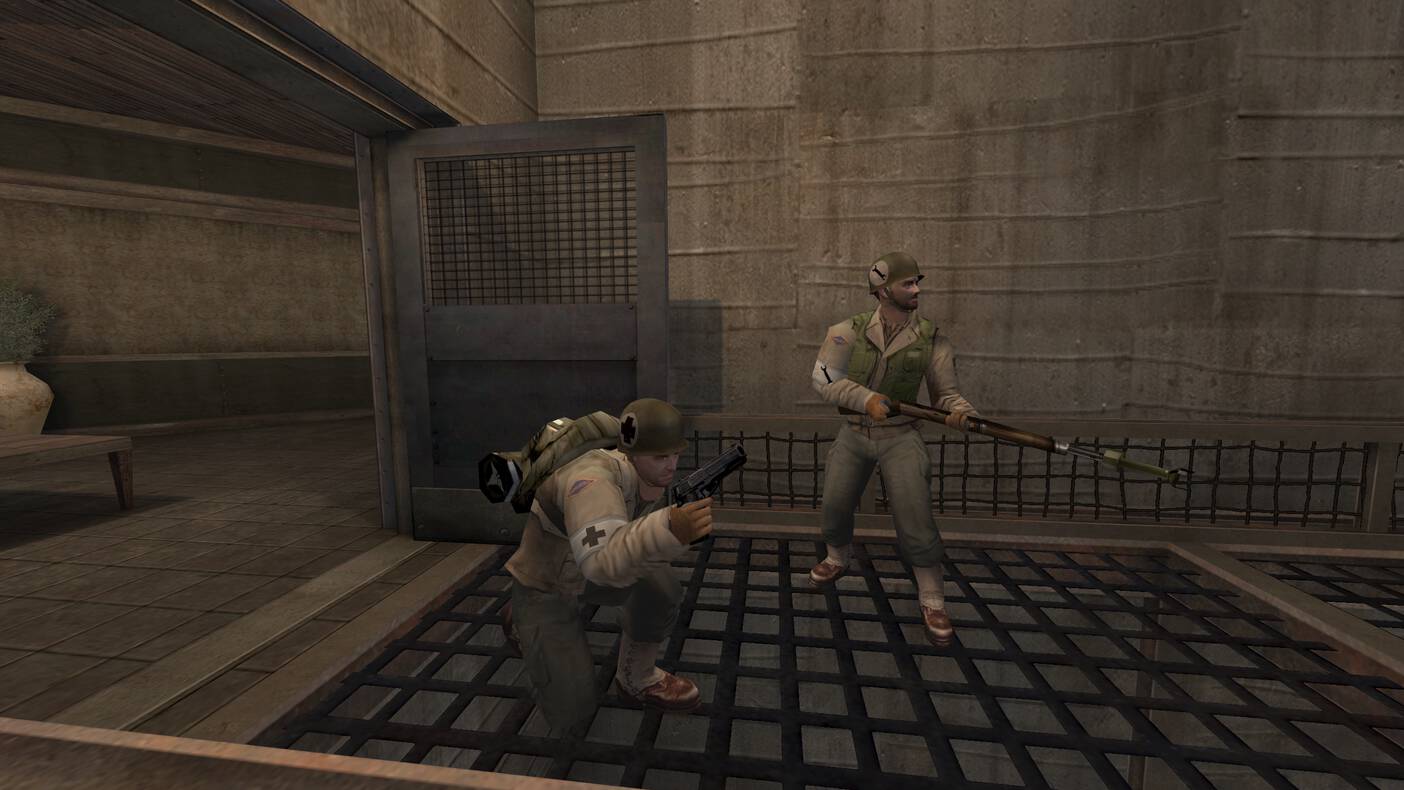
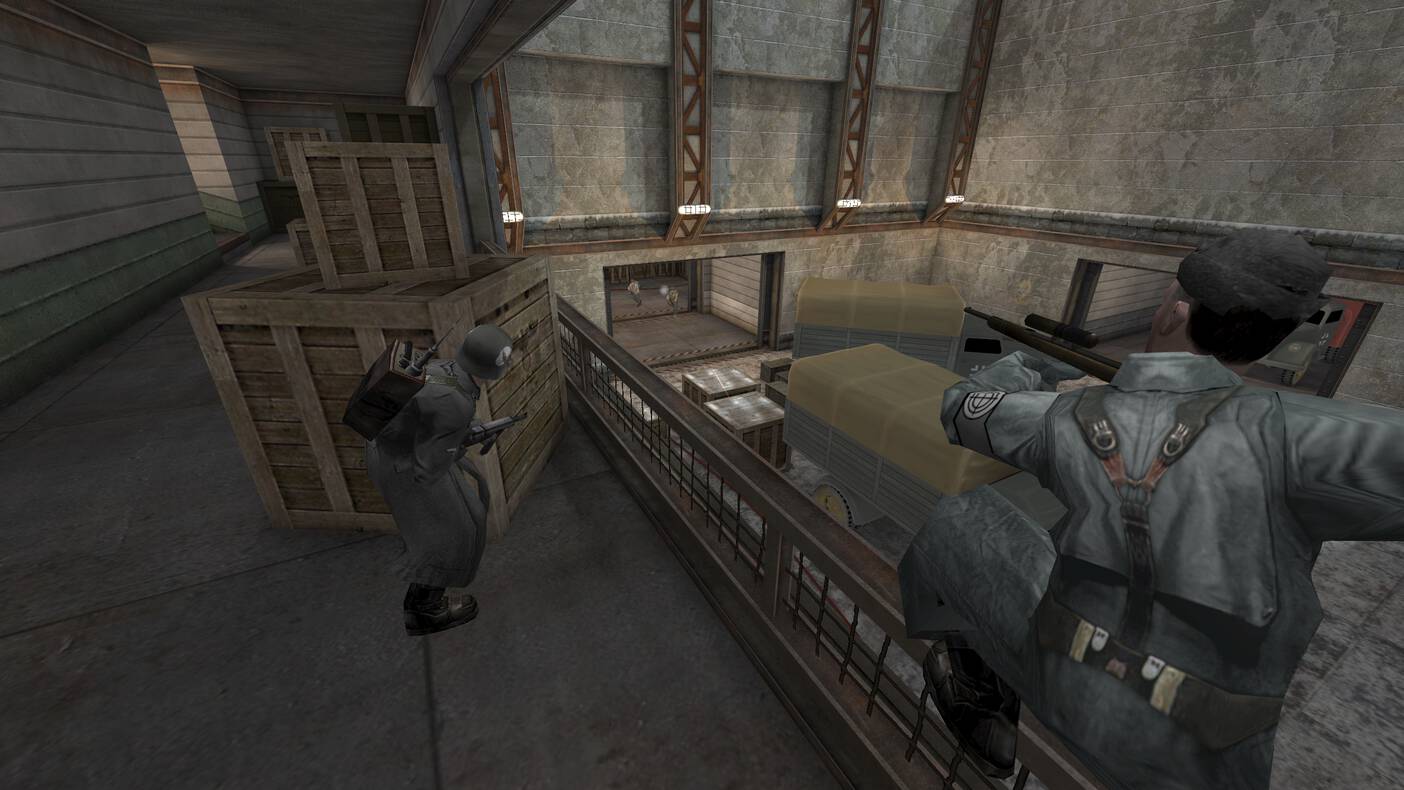
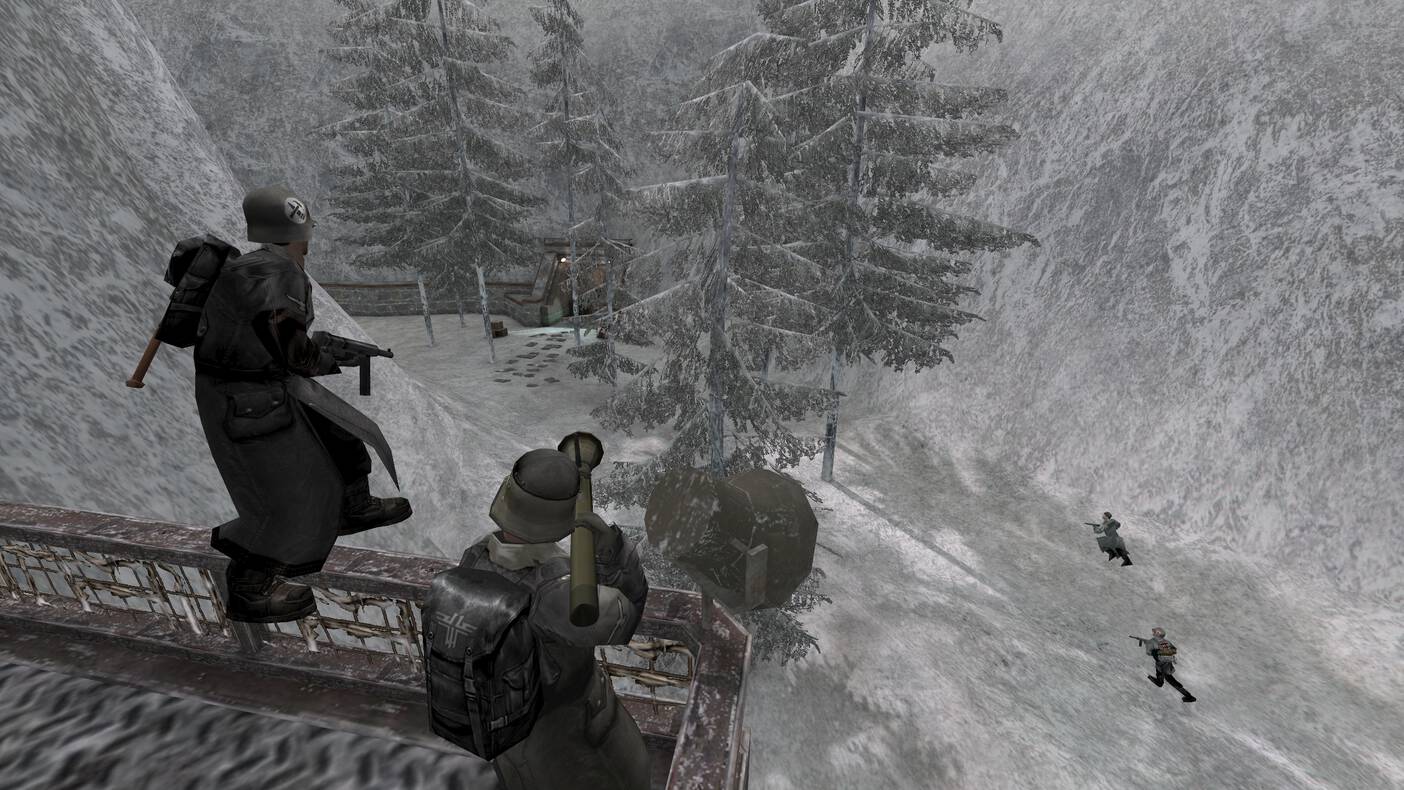
A fresh look for etlegacy.com
The website got a proper overhaul! The look is refreshed from top to bottom, the downloads page now picks the right download for you, and every game server has a page of its own with live details. Here is what changed.
A fresh look
The site keeps its familiar dark and red style, but every page has been reworked: cleaner cards, easier to read text, and a layout that works just as well on a phone or a tablet as on a big screen.
Before:
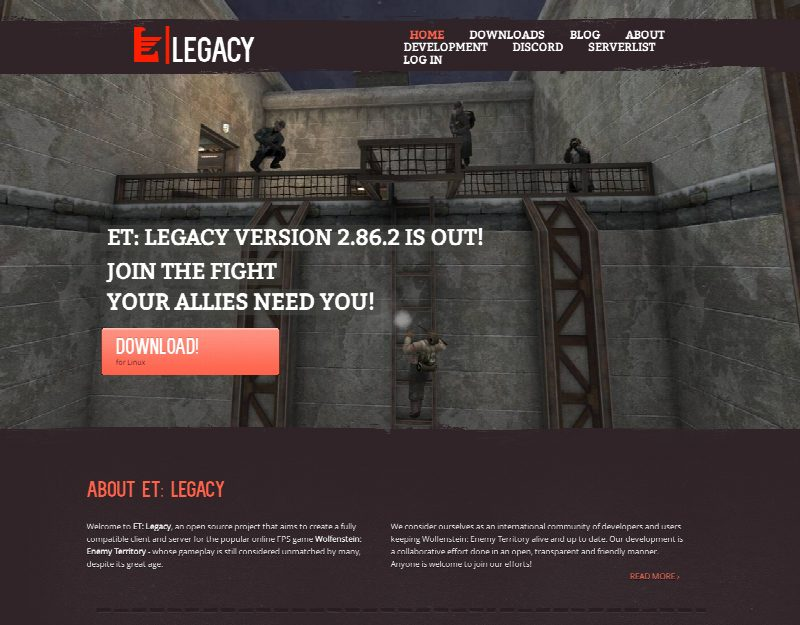
After:
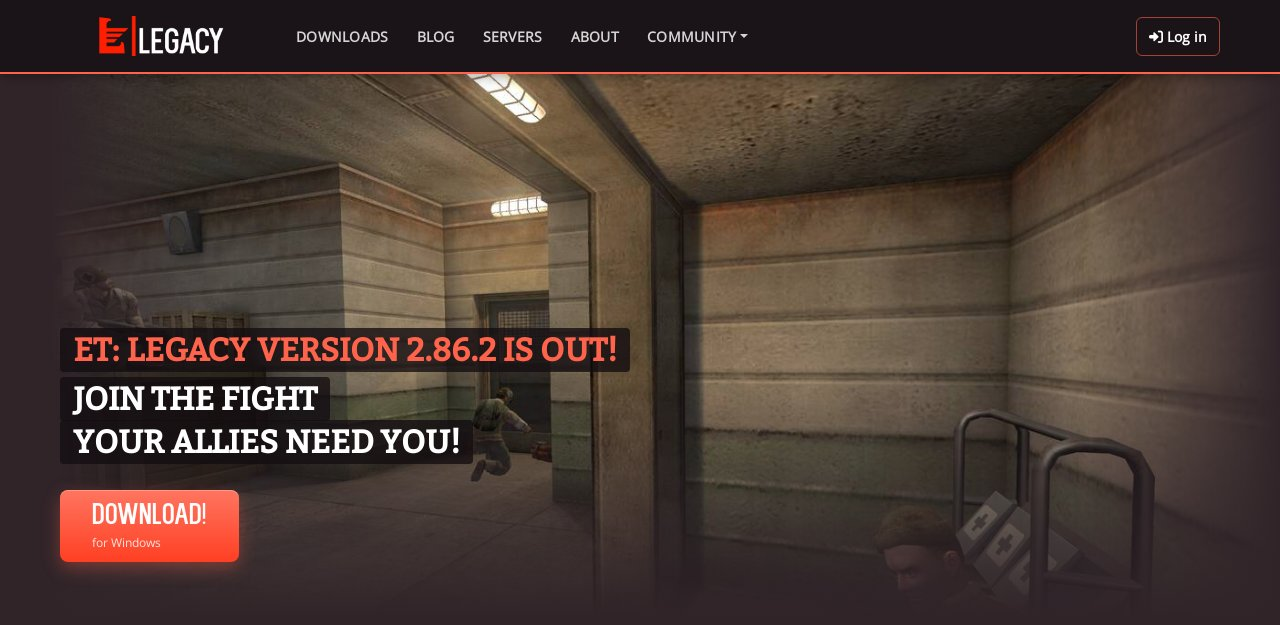
The menu is tidier too: Discord, the development pages on GitHub, and the contact page are under Community, and the footer links to everything, including our new service status page at status.etlegacy.com for checking if something is down.
Downloads made simple
The downloads page now recognizes your system and shows the download that suits it best: one big button for the installer, with the archive as a link below it. It also looks at your machine's processor, so Linux on ARM gets the ARM build (Windows on ARM is recognized in Chrome and Edge).
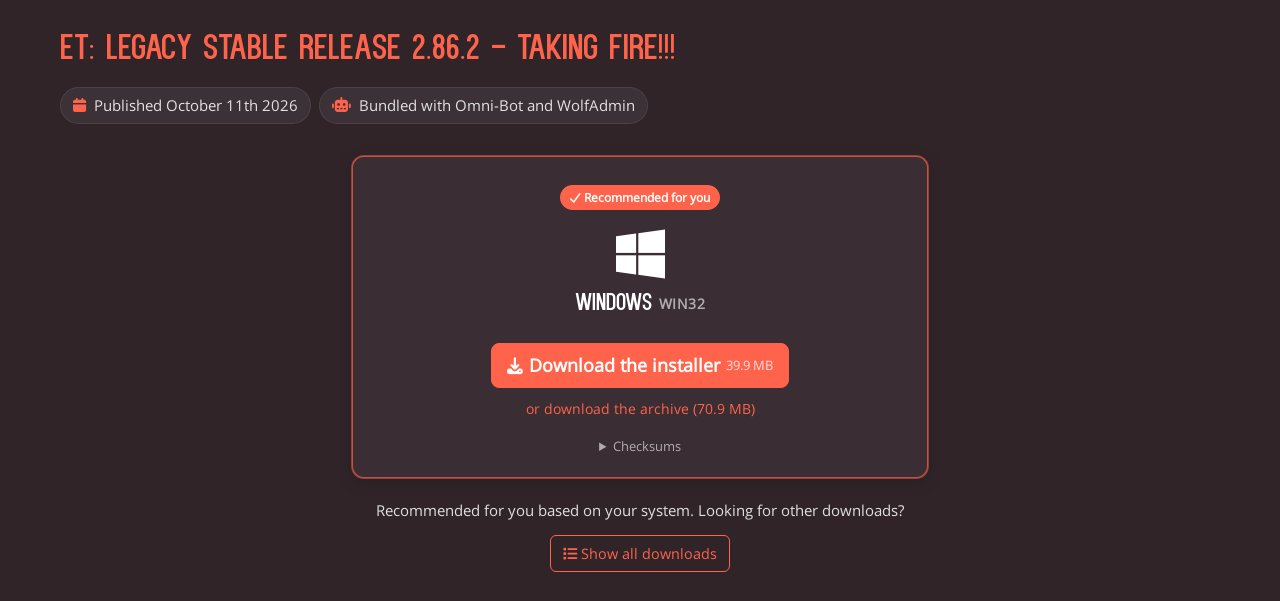
Looking for something else? Show all downloads opens the full list of systems and builds, as before. The builds recommended for your machine are highlighted there, and the little info icon explains why: many older mods only come with 32-bit libraries, so the 32-bit builds are still the safe choice for the best mod compatibility.
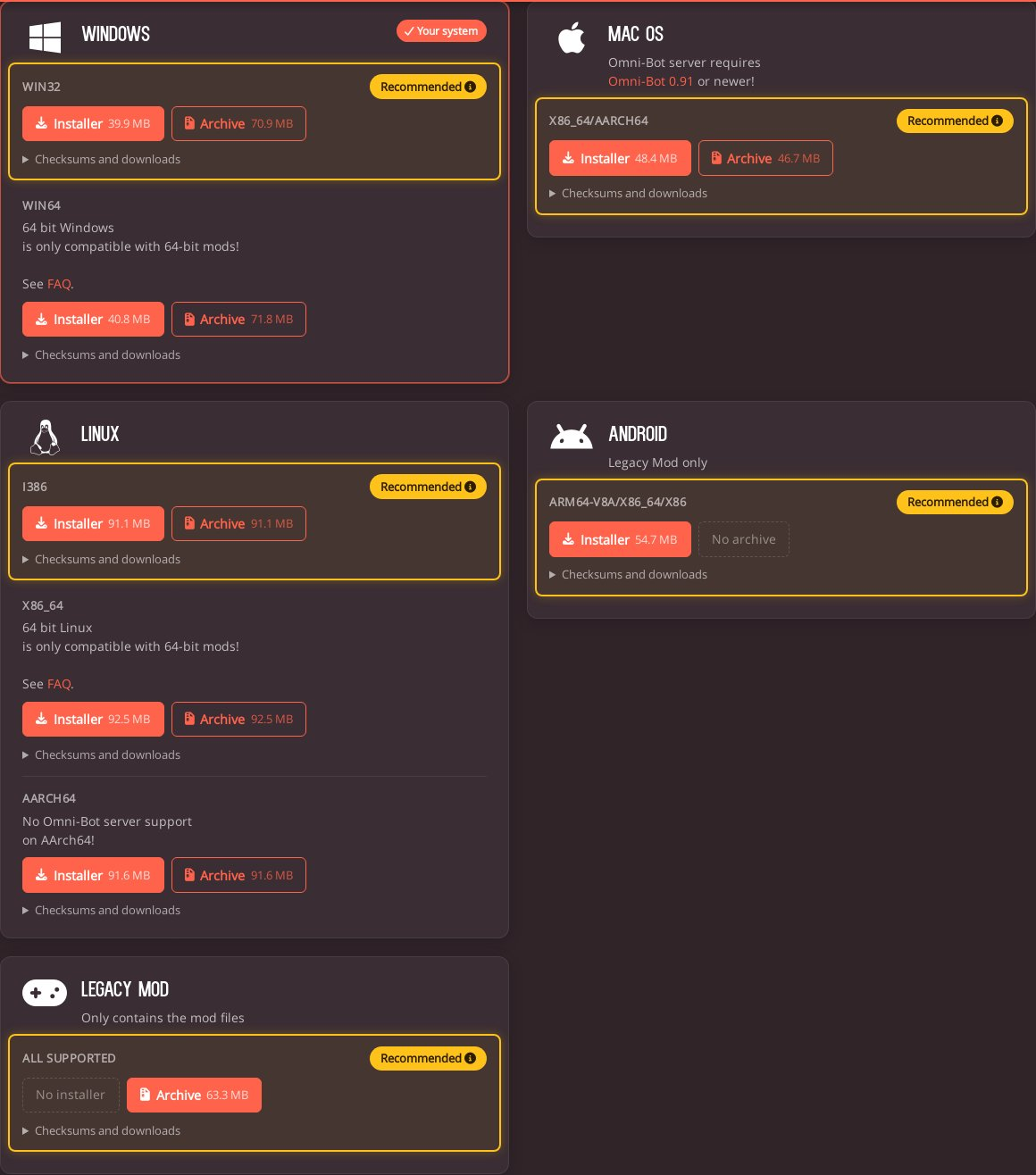
The checksums (MD5 and SHA-256) are still one click away under each download, and the notes about a system or a single build now sit right next to the download they are about.
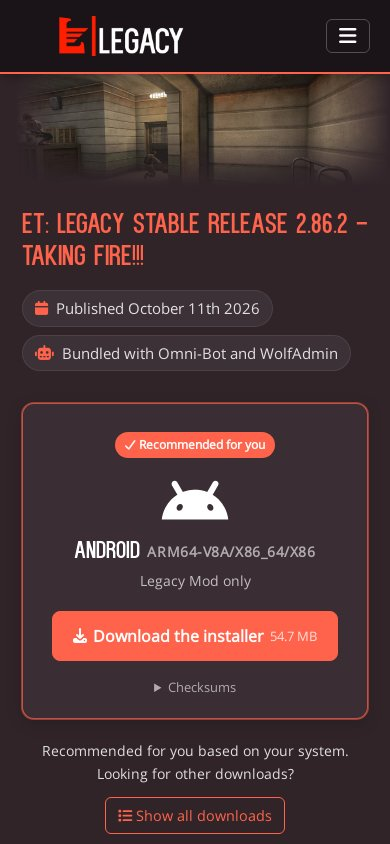
And of course it all works on your phone:
Find a game
The server list now shows how many people are playing on each server, with the bots in brackets, and puts the servers with real players on top, so finding a game takes a second. Icons show the most important settings at a glance, just like in the in-game server browser: limited lives, password, friendly fire, antilag, and balanced teams.
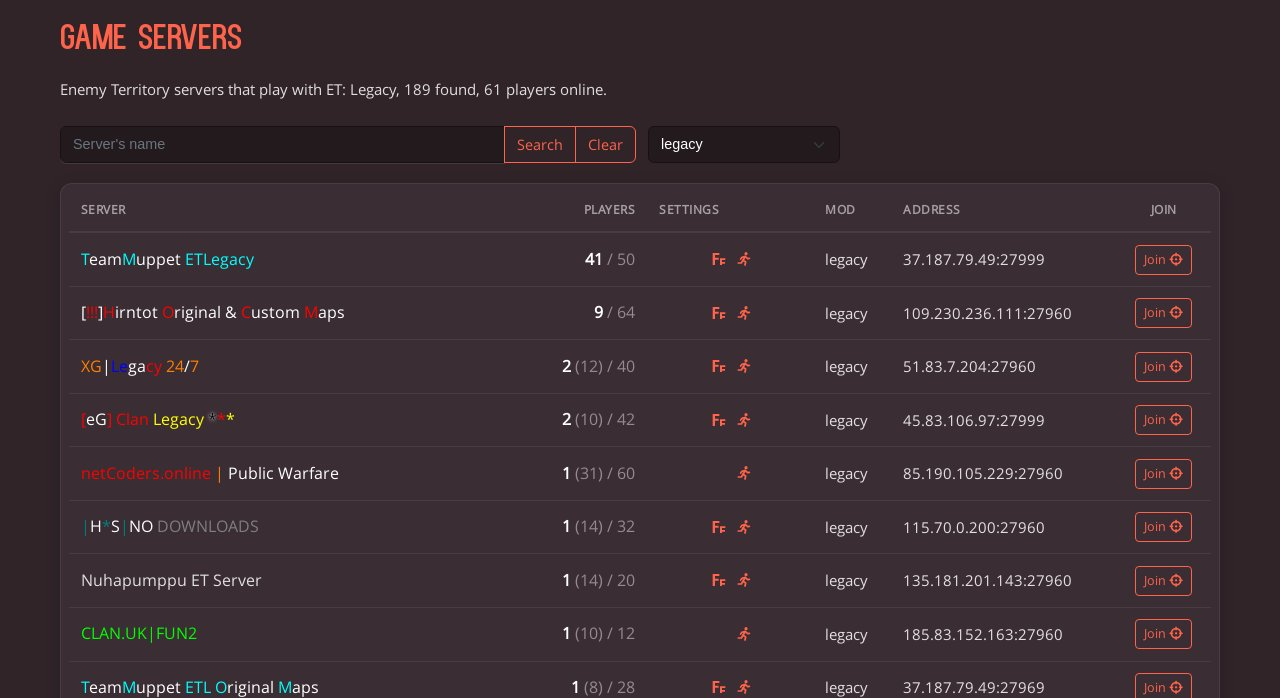
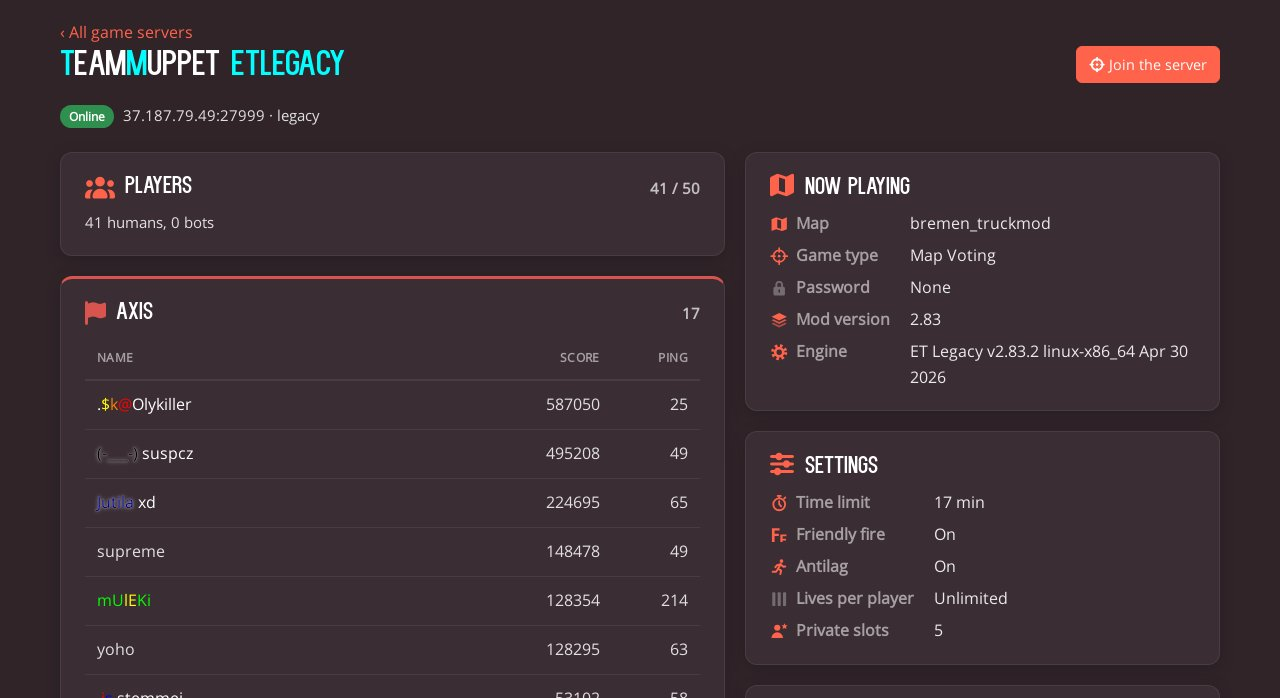
Click a server to open its own page with live details from the master server: the current map and game type, the players of each team with their scores and pings, the server's settings, and a chart of how many players were on in the last 24 hours. Found a good one? Join the server starts the game and connects you right away, or copy the /connect command for the console.
Tell us what you think
We hope you like the new site! If something looks off or doesn't work for you, please let us know on Discord or through the contact page.
See you on the battlefield!
Comments (0)
You need to log in before you can comment.